
You can access our YouTube video tutorial here for directions on using your access tokens:
Access Tokens – Help Guide
Access Tokens are an essential component for managing and overseeing institutional access to Emerald Publishing’s digital resources. This guide clarifies what access tokens are, their functionality, and where to find usage details.
What Are Access Tokens?
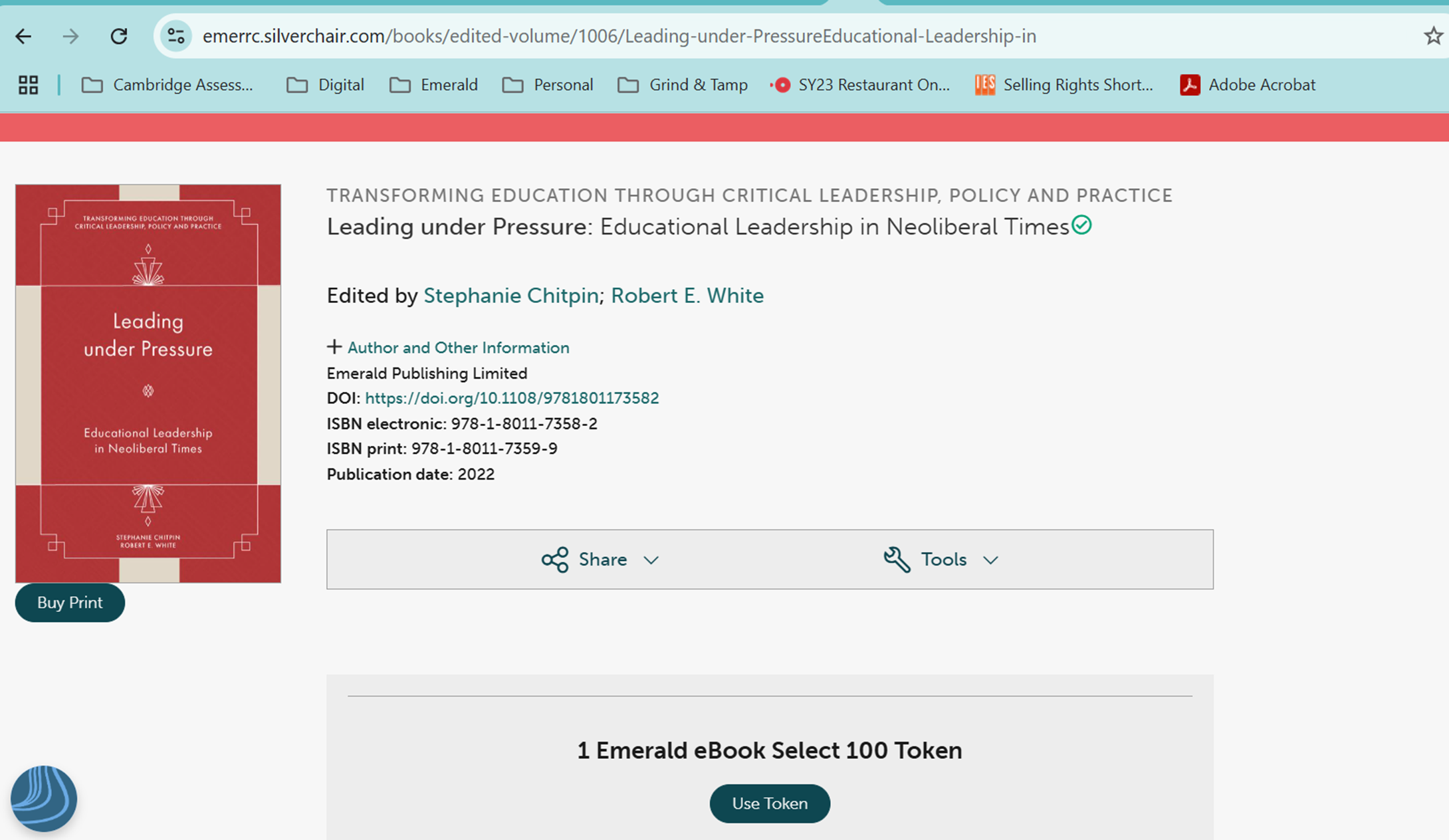
Access Tokens are digital keys that allow institutions to grant controlled access to specific Emerald products. These tokens are usually used for:
- Research Pass
- Select EBA (Evidence-Based Acquisition)
- eBook Select
These tokens assist institutions in managing content access while monitoring usage for informed acquisition decisions. Your existing holdings will be factored in.
Viewing Your Access Tokens
To view the active access tokens of your institution:
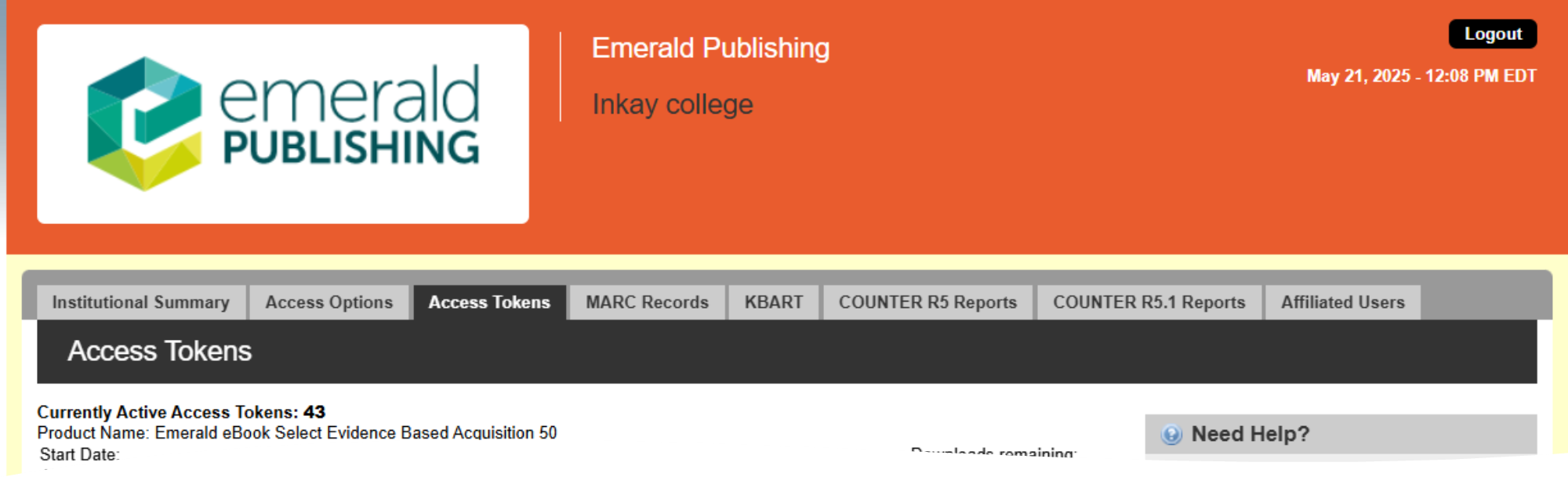
- Log in to your Emerald Publishing institutional portal at https://sitemaster.emerald.com/admin/login.aspx
- Go to the Access Tokens tab in the top navigation bar.
- You will see a summary that includes:
- Currently Active Access Tokens (e.g., 43 active tokens)
- Product Name (e.g., Emerald eBook Select Evidence Based Acquisition 50)
- Start Date (if available)
This section shows all institutional token products along with their usage statistics.

If you need any assistance, please reach out to Emerald Customer Support at support@emerald.com.
Was this article helpful?
That’s Great!
Thank you for your feedback
Sorry! We couldn't be helpful
Thank you for your feedback
Feedback sent
We appreciate your effort and will try to fix the article